01
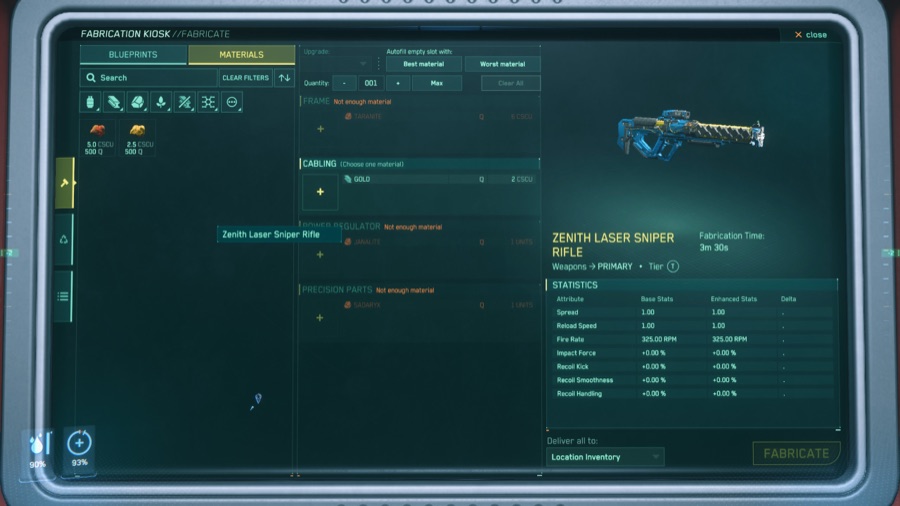
Screenshot in, blueprint out
Post a Fabrication Kiosk screenshot and Gemini extracts the lot — item name, parts, materials, quantities, fabrication time and base statistics. Material names are cross-checked against the UEX Corp commodity database.
02
The whole game, already loaded
Every blueprint in the game is in the database before you upload anything, and it is kept current with each patch. Uploading is how your org records who can craft what, not how the database gets filled.
03
Find the crafter in your org
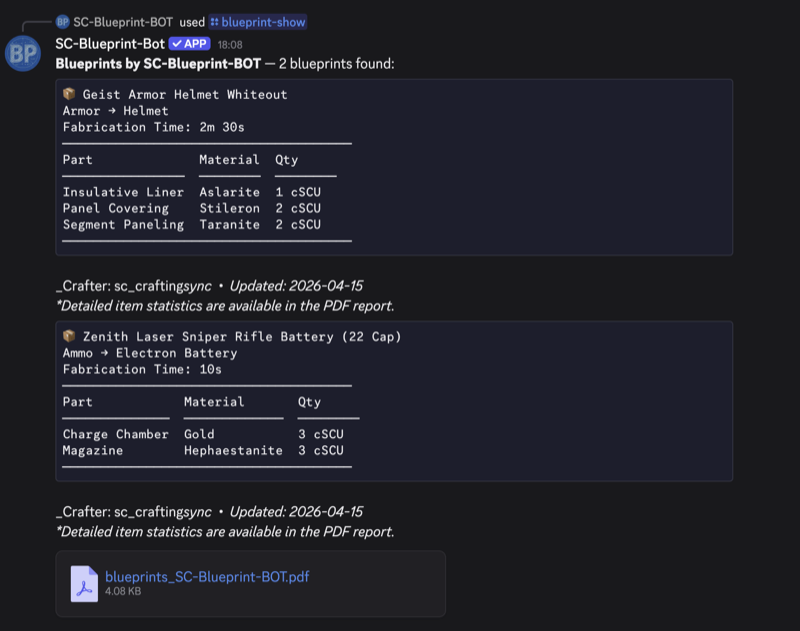
Every upload is linked to the uploader by Discord ID, not by a display name that can change. /blueprint-guild lists everything your org can make and who to ask for it.
04
Quality maths, both directions
Enter material quality levels and read the Base, Enhanced and Delta stats. Or work backwards — give a target stat delta and get the minimum material quality that reaches it.
05
Shopping lists that add up
Build named lists of the things you intend to craft, and get the total materials aggregated across the whole list in one command.
06
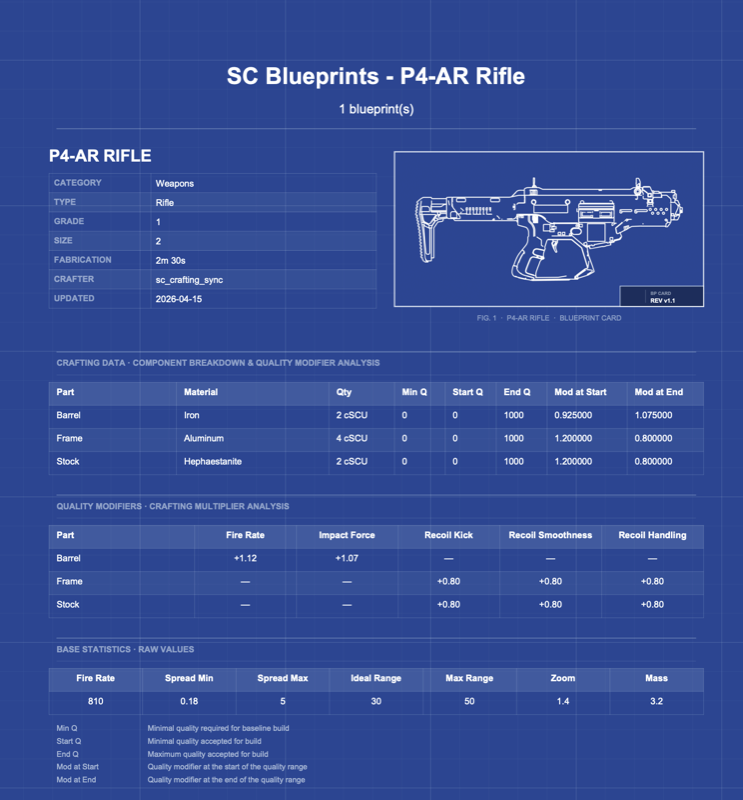
A PDF with every answer
Each query returns a blueprint-styled report: metadata, parts breakdown, quality modifier analysis, base statistics, thermal and durability limits, and a glossary.